
Technical guide · Mobile QA
On-device AI and NPUs for Android device labs
An Android device lab that runs local models should be sized around measurements of the full workflow. This guide covers inference, power, connectivity and operations for authorized testing on real devices.
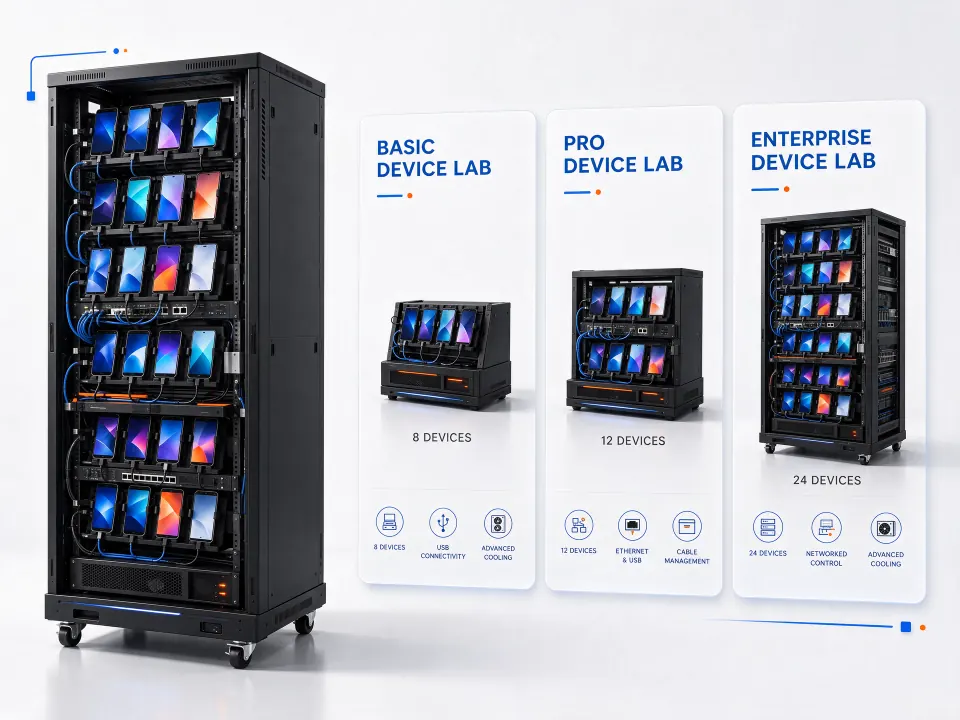
What an NPU adds to on-device AI
A neural processing unit accelerates certain inference operations. In a device lab, it can help classify screens in an app you own or validate visual outcomes using test captures.
Measure the entire task, including screen capture, preprocessing, inference and reading the output. Compare CPU, GPU and NPU execution where the model and device support it. Use the same test images to record median and p95 latency, errors and accuracy. Data copying and conversion can offset a faster model run.
Running models on Android
Start with a small model and labeled test data. Keep a CPU baseline and check which operations can actually be accelerated. Quantization can reduce model size and power use, but validate accuracy again on difficult cases.
Android deprecated NNAPI starting with Android 15. Consult the migration guide when evaluating LiteRT and acceleration options for each model and device. Record the OS, model and runtime versions so results can be reproduced.
Thermals, power delivery and sustained performance
Measure total power at the outlet, including hubs and the host, during a representative workload. Check how response times change from one device to several and over a long run. Record thermal status on devices that expose it.
Size power delivery with manufacturer specifications and measured load. Keep airflow clear, inspect cables and connectors, and remove visibly damaged equipment from service. Have the scheduler reduce concurrency or pause jobs when performance degrades over time.
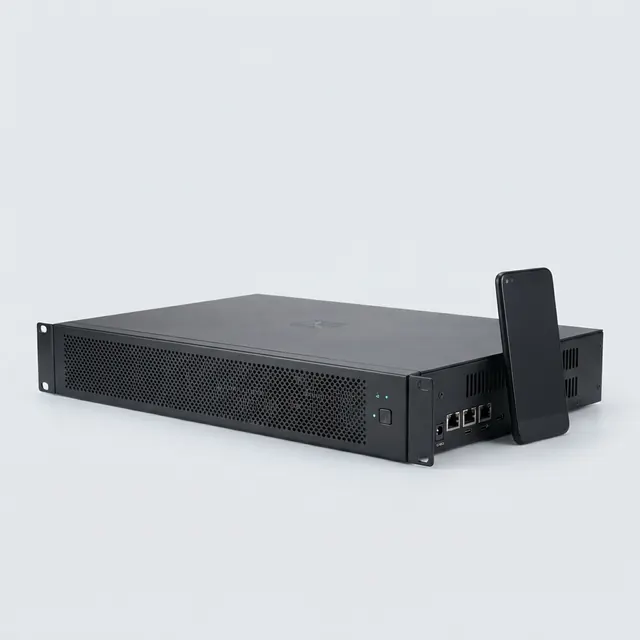
Connectivity and network testing
Separate management traffic from test traffic. Measure latency, packet loss and throughput while uploading results or viewing several remote screens. Document Wi‑Fi and cellular test conditions, including bandwidth and signal quality.
Verify how your app handles a dropped or slow connection. Use reproducible network profiles in your own testing environment and record whether the workflow resumes without duplicating operations.
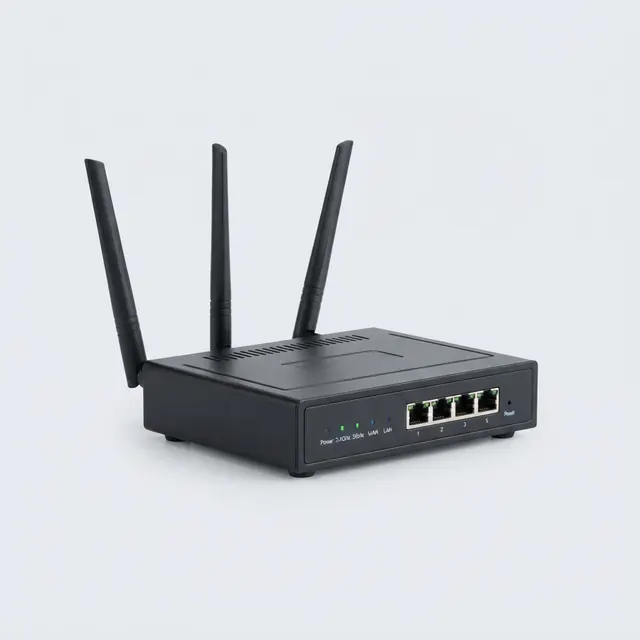
Memory, sessions and data protection
Run a soak test at the expected load and record memory use, restarts and terminated processes. Decide what stays on the device, what synchronizes and when data is deleted. Use separate test accounts, minimum permissions and synthetic data where practical.
Protect app keys with Android Keystore where applicable. Keep tokens, passwords and personal data out of logs and screenshots. Use transactions for persisted state where appropriate and verify recovery after a lab device loses power or connectivity.
Telemetry and failure recovery
Track app version, connectivity, thermal status, completed jobs, errors and elapsed time per device. Distinguish application failures from infrastructure issues to avoid unnecessary restarts.
Limit retries and pause devices that repeatedly fail. Capture a diagnostic summary before returning a device to the test pool, then confirm the workload can resume without duplication.
Operating costs and scaling an Android device lab
Include representative devices and the QA flows you intend to repeat in the pilot. Measure valid tests completed per hour, maintenance time and energy consumed during operation.
Compare cost per completed test across hardware, electricity, licenses and staff time. Document device models, versions and acceptance criteria before adding another node. Validate each new group under the same workload and verify that it can be stopped independently.